
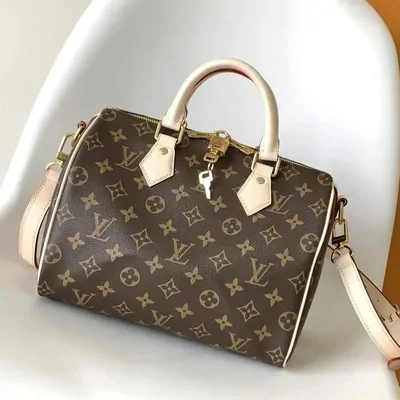
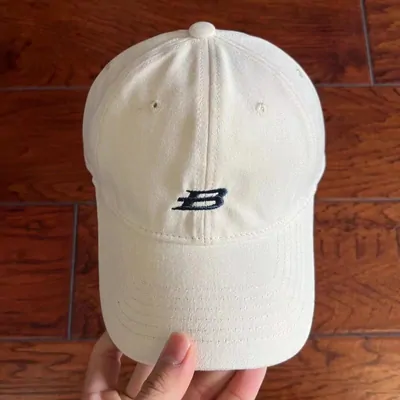
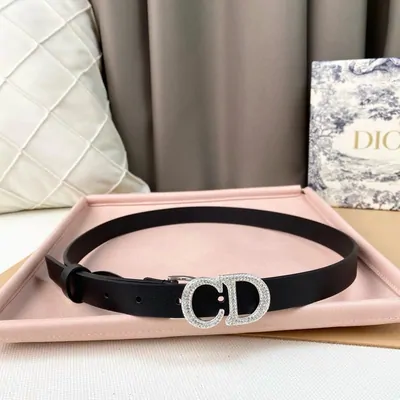
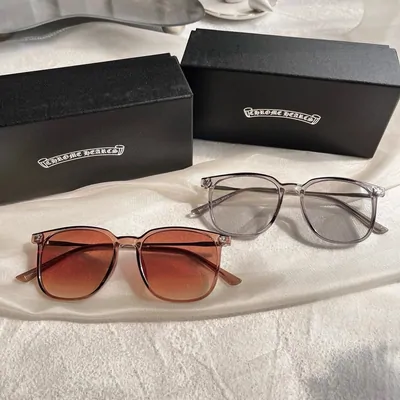

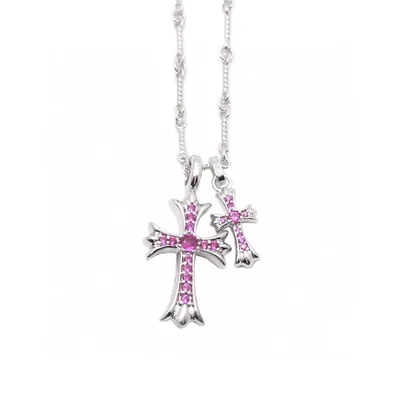
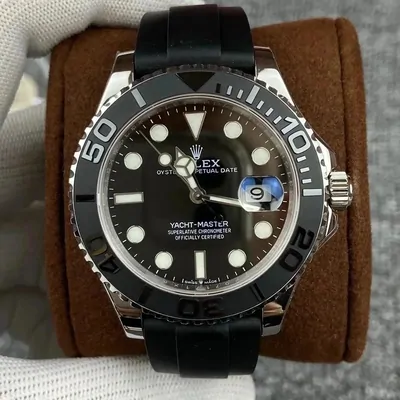
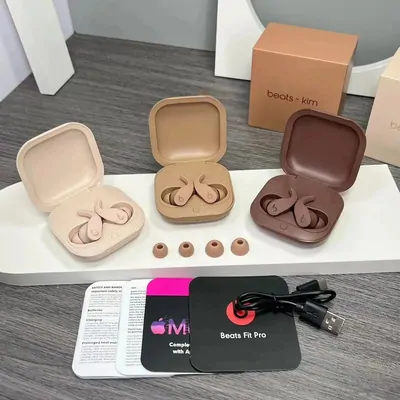
What is Hoobuy Spreadsheet?
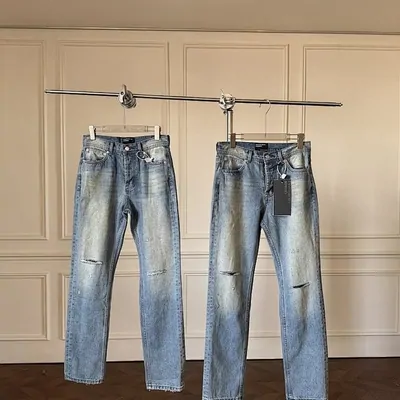
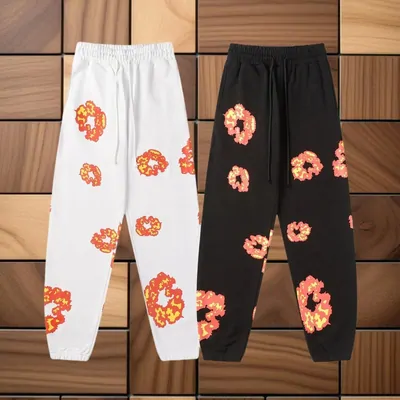
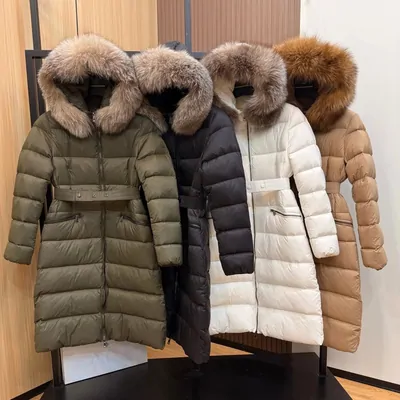
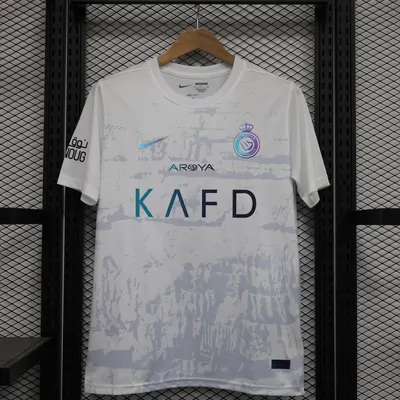
A collection of product links and buying guidance. The photographs help you find an item; the seller’s listing tells you which version, measurements and options are actually offered.
About this SpreadsheetA Hoobuy Spreadsheet for finding an item you like, choosing the right version and understanding what happens after you order.
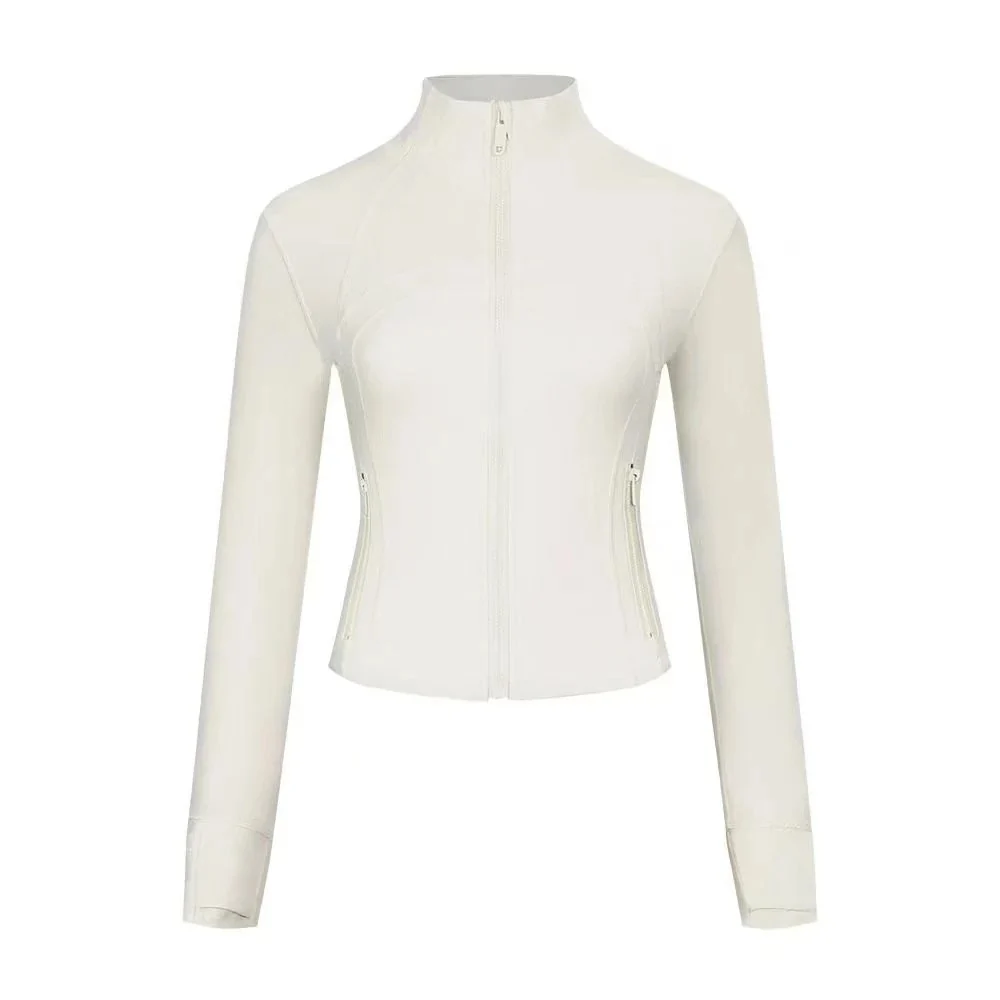
Find a starting point, then open the listing to compare the product, options and seller.
A collection of product links and buying guidance. The photographs help you find an item; the seller’s listing tells you which version, measurements and options are actually offered.
About this SpreadsheetThe Product Atlas keeps selection and fit alongside the ordering journey. Use the listing guide to clarify what is included and the sizing guide to compare measurements before you commit.
What this guide helps you decideFROM A PHOTOGRAPH TO A CHOICE
Search or open a category, then compare the source with the product you want. Read the seller’s terms, choose every option and record the URL, quantity and a useful reference measurement.
A jacket’s body length or a bag’s usable dimensions matter more than its appearance in a thumbnail. If the listing leaves an important detail unclear, ask before ordering.
Follow the browsing guide →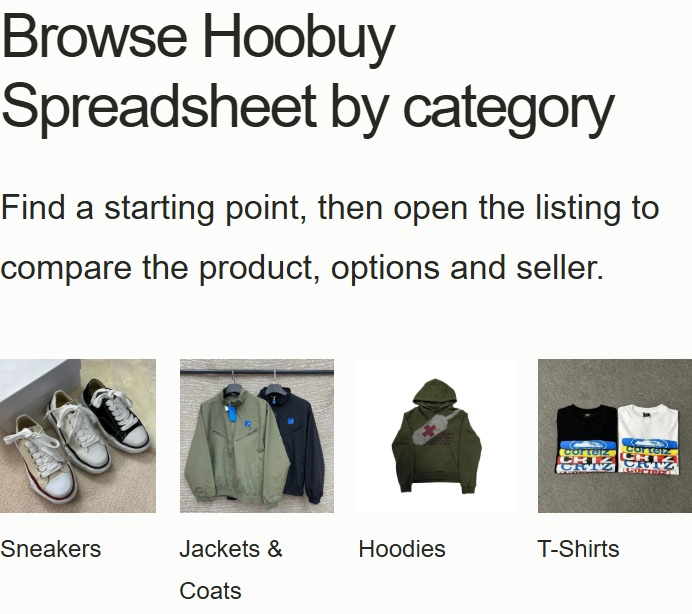
Hoobuy is a shopping agent that buys your requested seller item, receives it at a warehouse in China and arranges your chosen international shipment. You review the order and the warehouse arrival in your account.
See where the agent fitsSource-link ordering and warehouse records can help you keep the chosen version attached to a purchase. Check the full cost, available inspection, returns and routes for your destination before deciding it suits you.
Assess the service for your item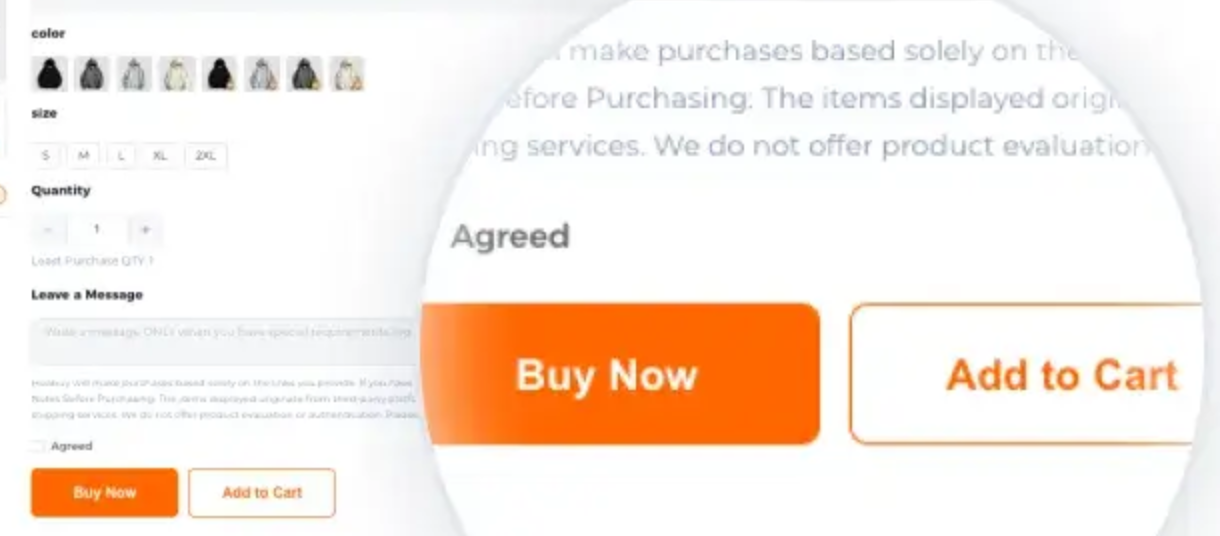
AFTER YOU HAVE CHOSEN
The useful next step depends on the record involved: the listing, purchase order or parcel.
Choose a help topic and prepare a question with the right reference.
Read the common answers about prices, warehouse photos and order choices.